
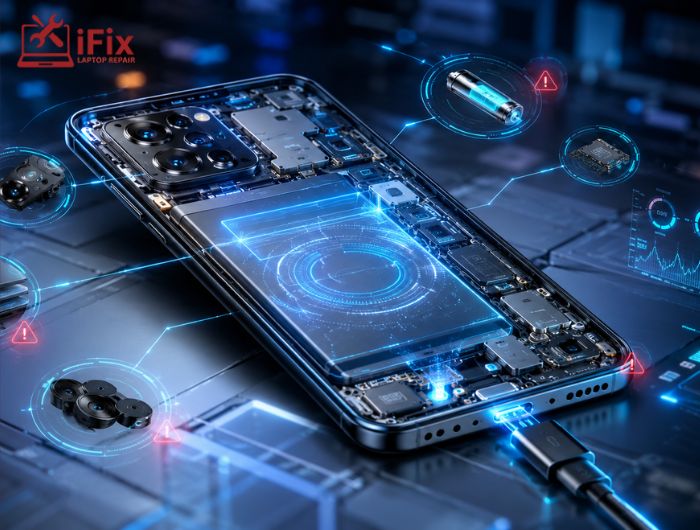
Smartphones have become smarter than ever, not just in performance but also in their ability to monitor their own health. Whether it’s an overheating battery, a failing charging port, or a malfunctioning camera, modern devices can often identify hardware issues before they become major problems.
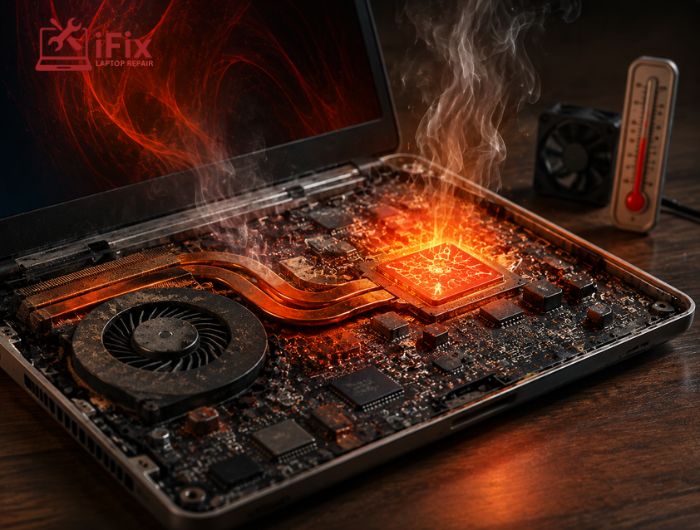
These built-in systems, known as smartphone hardware diagnostics, continuously check important components in the background. They help users detect faults early, reduce unexpected failures, and improve the overall lifespan of the device. For example, if your device starts running unusually hot, diagnostic tools can provide valuable clues about the cause, making it easier to understand what to do when your phone overheats before the issue leads to battery damage or performance problems.
In this guide, you’ll learn how these diagnostic systems work, what hardware problems they can detect, and when it’s time to seek professional repair.
What Are Smartphone Hardware Diagnostics?
Smartphone hardware diagnostics are automated testing systems built into modern mobile devices. They continuously evaluate the condition of physical components and alert users if something isn’t working properly.
Unlike software troubleshooting, which focuses on apps or operating systems, hardware diagnostics examines physical parts such as:
- Battery
- Display
- Camera
- Speakers
- Microphone
- Charging port
- Storage
- Internal sensors
Many manufacturers also include built-in phone diagnostic tools that allow users or technicians to perform detailed hardware checks whenever needed.
- According to Counterpoint Research, smartphones now remain in use for over 3.5 years on average, making early hardware detection increasingly valuable for extending device life.
How Do Smartphones Detect Hardware Problems Automatically?
Modern phones constantly collect information from dozens of sensors and system components. Together, these technologies make smartphone hardware diagnostics highly effective at identifying developing issues.
Continuous Sensor Monitoring
Today’s smartphones include sensors that monitor:
- Battery temperature
- CPU temperature
- Charging voltage
- Battery cycles
- Internal humidity (on some models)
- Motion sensors
If values move outside safe operating limits, your phone may display warnings or reduce performance to prevent damage.
Built-In Self Tests
Every time you power on your device, it performs a quick hardware check.
These startup tests verify that critical components like memory, storage, display drivers, and cameras are functioning correctly before the operating system fully loads.
Many Android manufacturers and Apple also include hidden diagnostic menus for deeper testing.
AI-Powered Error Detection
Artificial intelligence has improved how phones monitor their hardware.
Instead of waiting for complete failure, AI can recognize unusual patterns, including:
- Faster battery degradation
- Repeated charging interruptions
- Excessive heat
- Camera stabilization issues
- Memory errors
These predictive systems often detect problems long before users notice them.
→ Hardware warning detected? Get your phone professionally diagnosed before minor issues become costly repairs.
What Hardware Problems Can Smartphones Detect?
Modern mobile device diagnostics can identify a wide range of hardware issues, including:
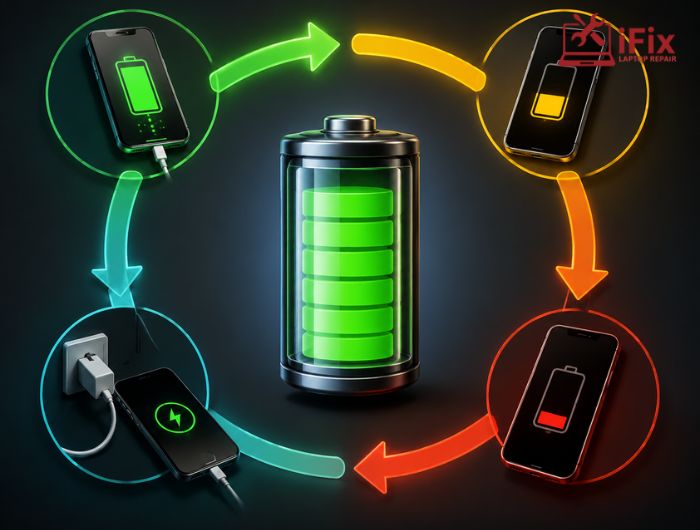
Battery Health
Your phone tracks:
- Battery capacity
- Charge cycles
- Temperature
- Charging speed
If battery health declines significantly, you’ll often receive recommendations to replace it.
👉 Battery draining too quickly? Get a reliable battery replacement to keep your phone powered longer.
Charging Problems
Diagnostic systems monitor charging voltage and current.
They can identify:
- Damaged charging ports
- Faulty charging cables
- Power delivery issues
- Slow charging behavior
Display Issues
Phones can detect:
- Dead touch zones
- Display response failures
- Brightness sensor problems
- Refresh rate abnormalities
→ Cracked or unresponsive screen? Restore your phone with our expert display repair service.
Camera Malfunctions
Many devices automatically check:
- Camera focus
- Optical image stabilization
- Lens communication
- Sensor responsiveness
If an error occurs, you’ll usually receive a notification instead of simply seeing a black screen.
👉 Blurry photos or camera not working? Let our technicians restore your phone’s camera performance.
Storage and Memory Errors
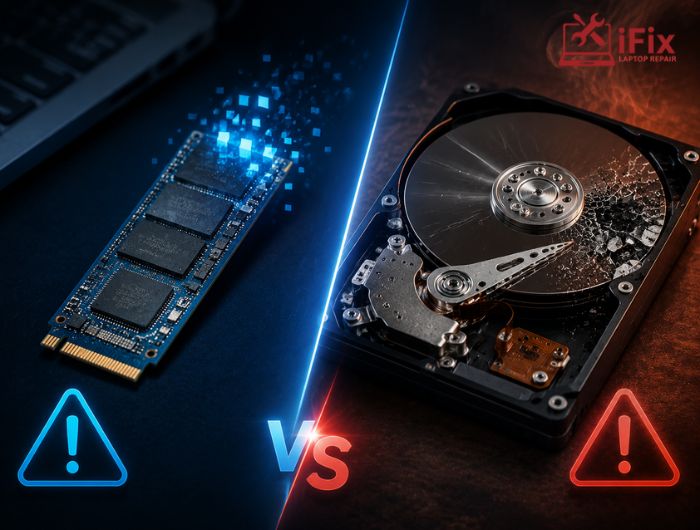
Modern smartphones monitor flash storage for signs of wear.
A declining storage chip may lead to:
- Slower performance
- App crashes
- File corruption
Early detection helps users back up important data before complete failure.
Speakers, Microphones, and Sensors
Diagnostic software also evaluates:
- Audio quality
- Speaker output
- Microphone input
- Proximity sensor
- Ambient light sensor
- Gyroscope
- Accelerometer
Many of these tests happen automatically without user interaction. Can’t hear calls clearly? Fix distorted or silent speakers with our professional speaker repair service.
Can Built-In Diagnostics Detect Every Hardware Problem?
Although smartphone hardware diagnostics have become increasingly advanced, they are not perfect. These systems can identify symptoms of hardware failure, but they cannot always determine the exact cause.
For example, a phone may detect that charging is inconsistent, but it cannot always tell whether the problem is caused by:
- A damaged charging port
- A worn battery
- A faulty charging cable
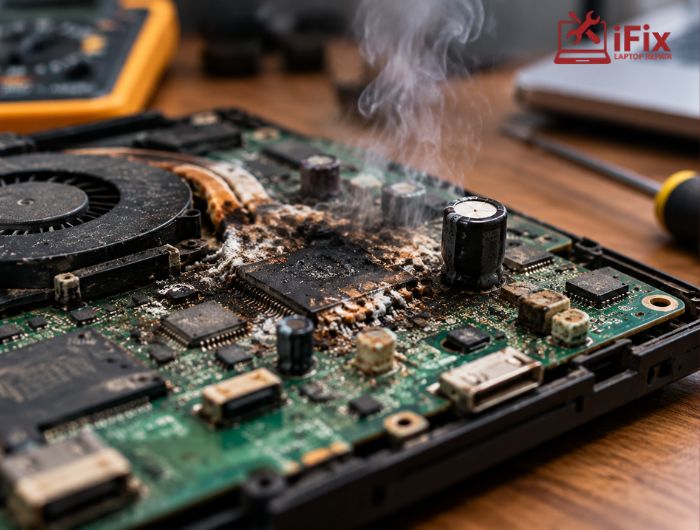
- A malfunctioning power management chip
Similarly, if your phone overheats frequently, diagnostics may report high temperatures, but a technician is often needed to identify the faulty component responsible.
Automatic Diagnostics vs. Professional Inspection
Automatic Diagnostics | Professional Inspection |
Detects common hardware issues | Pinpoints the exact faulty component |
Runs continuously in the background | Uses advanced repair equipment |
Alerts users to potential problems | Confirms whether repair or replacement is needed |
Great for early detection | Best for complex or hidden hardware faults |
Expert Tip: Think of automatic diagnostics as an early warning system. If your phone repeatedly reports the same hardware issue, it’s best to have it inspected before the problem worsens.
How Can You Check Your Phone’s Hardware Yourself?
If you suspect a hardware issue, you don’t always have to wait for a warning notification. Most smartphones offer ways to run manual tests.
Use Built-In Diagnostic Tools
Many Android manufacturers include hidden testing menus or diagnostic apps that can check the display, touchscreen, speakers, cameras, sensors, and battery.
On iPhones, you can review battery health and run certain system checks through Settings, while more advanced diagnostics are available to authorized technicians.
Install Trusted Diagnostic Apps
Several reputable apps can perform a phone hardware testing scan, evaluating:
- Battery performance
- CPU temperature
- Storage health
- Sensor functionality
- Camera operation
Choose apps from trusted developers and official app stores to ensure accurate results.
Know When Professional Help Is Needed
If your device repeatedly reports hardware errors, overheats, restarts unexpectedly, or fails to charge correctly, professional testing is the safest option. Ignoring warning signs can lead to more extensive damage and higher repair costs.
→ Not sure what’s wrong with your phone? Let our experts diagnose the problem quickly and accurately.
Why Are Smartphone Hardware Diagnostics Important?
Modern diagnostic systems help keep your device running efficiently by identifying hardware issues before they become serious.
- Detect minor hardware problems early to prevent costly repairs.
- Extend your phone’s lifespan through regular health monitoring.
- Protect important data by providing early warnings of storage or hardware failures.
- Improve overall reliability with continuous monitoring of critical components.
Conclusion
Today’s smartphones are designed to do much more than make calls or run apps. With advanced smartphone hardware diagnostics, they can continuously monitor essential components, detect unusual behavior, and alert users before minor issues become major failures.
While these automated systems are excellent for early detection, they cannot diagnose every problem with complete accuracy. If your phone repeatedly displays hardware warnings or shows signs of physical failure, professional testing is the best way to identify the root cause and prevent further damage.
By paying attention to diagnostic alerts and addressing problems early, you can extend your phone’s lifespan, protect your data, and avoid costly repairs in the future.
Frequently Asked Questions
How do smartphone hardware diagnostics work?
They use sensors, firmware, and self-tests to monitor hardware and detect potential issues automatically.
Can smartphones detect hardware problems automatically?
Yes, modern smartphones continuously monitor key components and alert users when abnormalities are detected.
What hardware problems can a phone detect?
They can detect battery, charging, storage, camera, display, sensor, speaker, and overheating issues.
Are built-in diagnostic tools accurate?
Yes, they accurately identify many hardware symptoms but may require professional confirmation for exact faults.
Can software fix hardware issues?
No, software fixes bugs, while damaged hardware usually requires repair or component replacement.
How often should I check my phone’s hardware?
Run diagnostics every few months or whenever you notice performance, charging, or overheating problems.
