


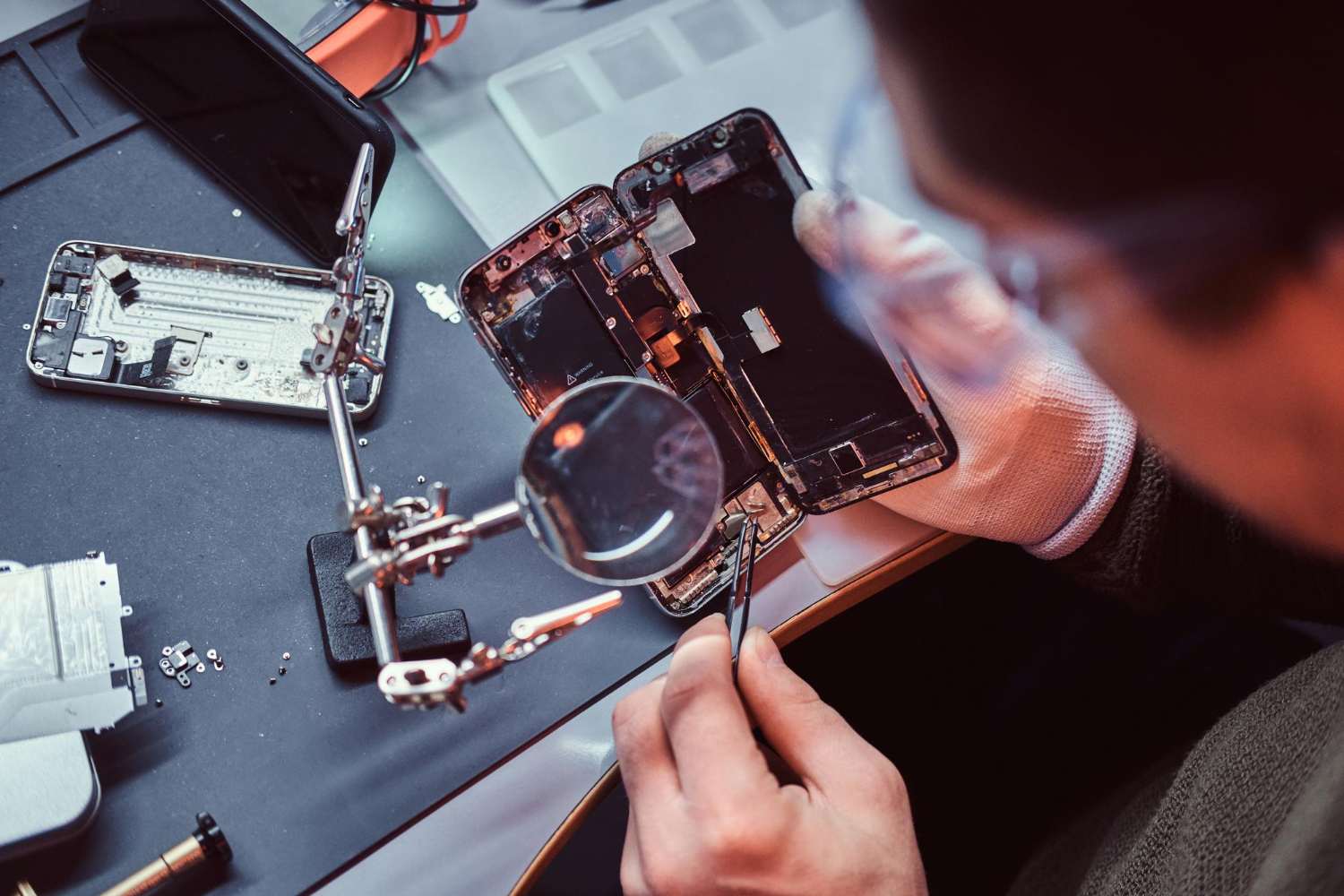
Most people hand over a damaged phone without knowing what actually happens once it disappears behind the repair counter. The phone repair process involves much more than replacing a broken screen or swapping a battery.
Professional technicians follow a structured workflow that includes diagnostics, internal inspections, component testing, repairs, software checks, and final quality assurance before the device is returned.
Understanding these steps helps customers make informed decisions, protect their data, and distinguish a professional repair shop from a quick-fix operation.
- According to a recent Statista report, smartphone users worldwide exceeded 4.8 billion in 2025, a trend that continues to drive demand for reliable repair services as devices become more expensive and essential to daily life.
Why Understanding the Repair Process Matters
Modern smartphones are complex devices packed with delicate hardware, personal information, and costly components. A simple drop can affect far more than just the display.
Knowing how repairs are handled gives customers better expectations about:
- Repair timelines
- Data safety
- Replacement parts
- Testing procedures
- Overall device reliability after repair
It also helps people avoid common mistakes, such as delaying repairs after water exposure or choosing unqualified technicians.
A professional repair environment follows a step-by-step system designed to reduce errors and protect the device during servicing.
Step 1: Device Check-In and Initial Inspection
The first stage of the phone repair process begins with a physical inspection.
When you arrive at a repair shop, the technician typically asks questions about:
- How the damage occurred
- When the issue started
- Whether the phone has been repaired before
- Any symptoms like overheating, flickering, or charging problems
The technician then performs a visual inspection to identify visible damage. This may include:
- Cracked screens
- Bent frames
- Water exposure indicators
- Broken camera lenses
- Damaged charging ports
Many repair shops in Las Vegas also document the condition of the phone before opening it. This protects both the customer and the technician from disputes later.
Quick Tip
- If your device has water damage, avoid charging it before bringing it in. Electricity can worsen internal corrosion and permanently damage components.
Step 2: Diagnostic Testing
After the inspection, technicians move on to internal testing. A proper phone diagnostic service helps identify hidden issues that may not be immediately visible.
Professional repair shops use specialized tools and software to test:
- Battery health
- Charging systems
- Touch responsiveness
- Display performance
- Cameras and sensors
- Audio components
- Wireless connectivity
Sometimes the visible issue is only part of the problem. For example, a cracked screen may also damage internal connectors or affect touch calibration.
- Pew Research reports that over 90% of Americans own a smartphone, which means repair technicians regularly handle devices containing critical personal and work-related information. Accurate diagnostics are essential to avoid unnecessary repairs and costs.
Step 3: Opening the Device Safely
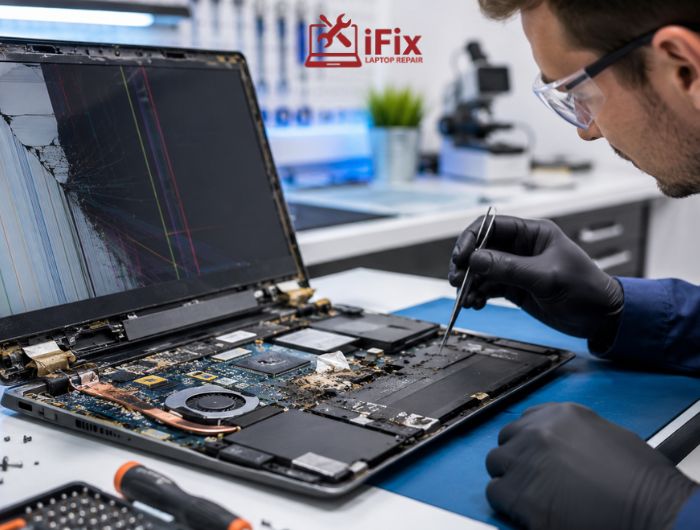
Opening a smartphone requires precision and proper equipment. Modern phones are designed with adhesives, tiny screws, delicate cables, and tightly packed internal components.
Technicians use specialized tools such as:
- Heat pads or heat guns
- Precision screwdrivers
- Anti-static mats
- Suction tools
- Plastic opening picks
Improper disassembly can damage internal circuits, Face ID systems, fingerprint sensors, or waterproof seals.
This stage of the phone repair process is especially important because rushed handling often creates additional problems that did not exist originally.
Step 4: Repairing or Replacing Damaged Components
Once the phone is safely opened and diagnosed, technicians repair or replace the damaged components.
Common repairs include:
Repair Type | Common Symptoms | Estimated Repair Time |
Screen Replacement | Cracks, black display, touch issues | 30 mins–2 hours |
Battery Replacement | Fast draining, overheating | 30–60 mins |
Charging Port Repair | Charging interruptions | 1–3 hours |
Camera Repair | Blurry or non-working camera | 1–2 hours |
Speaker Repair | Distorted or low audio | 1–2 hours |
The cracked phone repair process often involves removing broken glass, disconnecting damaged display cables, installing a replacement screen, and recalibrating display functions afterward.
Genuine vs Aftermarket Parts
Many customers do not realize there are different part quality levels available.
Genuine Parts
- Designed for the specific device model
- Better compatibility and reliability
- Usually more expensive
Aftermarket Parts
- Third-party-manufactured components
- More affordable
- Quality can vary significantly
Experienced technicians usually explain these differences before starting repairs.
→ Need Help With Your Device?
If your phone has display damage, battery issues, charging problems, or unexpected shutdowns, getting a professional inspection early can prevent more expensive repairs later.
Step 5: Software Checks and System Testing
Not every phone issue is caused by hardware damage. Software problems can also create symptoms that look like physical failures.
Technicians may perform:
- Operating system updates
- Malware scans
- App conflict checks
- Performance optimization
- System resets
In some cases, software corruption causes freezing, battery drain, or connectivity problems.
Google research has shown that users increasingly keep smartphones for longer periods, making ongoing maintenance and software stability more important than ever.
During this stage, technicians also verify whether the repair affected system performance or device calibration.
Step 6: Quality Control and Final Testing
Before the phone is returned, technicians complete several smartphone repair steps to ensure everything works correctly.
This testing phase typically includes:
- Touchscreen responsiveness
- Charging functionality
- Battery performance
- Camera testing
- Speaker and microphone checks
- Face recognition or fingerprint testing
- Wi-Fi and Bluetooth connectivity
Quality control helps confirm that the repair solved the original issue without creating new ones.
A reliable repair shop never skips final testing.
How Long Does the Repair Usually Take?
Repair time depends on the type of issue and part availability.
Typical Timelines
- Screen repairs: Same day in many cases
- Battery replacements: Under one hour
- Water damage repairs: Several days
- Motherboard repairs: Multiple days depending on complexity
The overall phone repair process may also take longer if parts need to be ordered.
Shops that rush repairs without proper testing often increase the risk of repeat problems later.
Is Your Data Safe During Phone Repair?
One of the biggest customer concerns is privacy.
Professional repair shops typically only access the parts of the phone necessary for testing and repair. Reputable technicians also follow privacy policies and avoid unnecessary access to personal data.
Before any repair appointment, it is smart to:
- Back up important files
- Remove sensitive financial information if possible
- Disable unnecessary app access
- Record passwords securely
Most repairs do not require technicians to browse personal content.
👉 Recover Lost Files, Photos & Critical Data
Fast diagnostics, secure recovery methods, and expert support for damaged or non-responsive devices.
Signs You Chose a Professional Repair Shop
A trustworthy professional phone repair service usually offers:
- Transparent pricing
- Repair warranties
- Clear communication
- Experienced technicians
- Quality replacement parts
- Diagnostic explanations before repairs begin
Good repair shops also explain risks honestly instead of promising unrealistic outcomes.
According to industry reports from Gartner, consumers increasingly prioritize repairability and device longevity as smartphone replacement costs continue rising each year.
DIY Repair vs Professional Repair
Online tutorials have made DIY phone repairs more popular, but they also come with risks.
Factor | DIY Phone Repair | Professional Phone Repair |
Tools & Equipment | Limited or incorrect tools may damage components | Uses specialized repair tools and diagnostic equipment |
Repair Experience | Often based on online tutorials or trial and error | Handled by trained technicians with repair experience |
Waterproof Sealing | Difficult to restore the original sealing correctly | Professional resealing methods help maintain protection |
Part Quality | May involve low-quality or incompatible parts | Better access to tested and compatible replacement parts |
Data & Device Safety | Mistakes can lead to data loss or permanent failure | Safer handling during the phone repair process |
Repair Warranty | Usually no warranty protection | Many repair shops offer service warranties |
Long-Term Reliability | Repairs may fail if the installation is incorrect | More reliable results with proper testing |
Cost Risk | Cheap upfront, but expensive if mistakes occur | Higher initial cost but lower risk of repeat repairs |
Best For | Minor external fixes or basic maintenance | Complex repairs and expensive devices |
When Should You Repair Instead of Replace?
Repairing a phone often makes financial sense when:
- The repair cost is significantly lower than the replacement cost
- The phone is still receiving software updates
- The device performance remains strong
- Only one major component is damaged
Battery replacements and screen repairs are often far cheaper than purchasing a new flagship smartphone.
→ Need a Device Diagnosis?
If your phone shows charging issues, overheating, random shutdowns, or display problems, a professional diagnostic check can identify the root cause before the damage worsens.
Signs You Chose a Professional Repair Shop
A trustworthy professional phone repair service usually offers:
- Transparent pricing
- Repair warranties
- Clear communication
- Experienced technicians
- Quality replacement parts
- Diagnostic explanations before repairs begin
Good repair shops also explain risks honestly instead of promising unrealistic outcomes.
According to industry reports from Gartner, consumers increasingly prioritize repairability and device longevity as smartphone replacement costs continue rising each year.
DIY Repair vs Professional Repair
Online tutorials have made DIY phone repairs more popular, but they also come with risks.
Factor | DIY Phone Repair | Professional Phone Repair |
Tools & Equipment | Limited or incorrect tools may damage components | Uses specialized repair tools and diagnostic equipment |
Repair Experience | Often based on online tutorials or trial and error | Handled by trained technicians with repair experience |
Waterproof Sealing | Difficult to restore the original sealing correctly | Professional resealing methods help maintain protection |
Part Quality | May involve low-quality or incompatible parts | Better access to tested and compatible replacement parts |
Data & Device Safety | Mistakes can lead to data loss or permanent failure | Safer handling during the phone repair process |
Repair Warranty | Usually no warranty protection | Many repair shops offer service warranties |
Long-Term Reliability | Repairs may fail if the installation is incorrect | More reliable results with proper testing |
Cost Risk | Cheap upfront, but expensive if mistakes occur | Higher initial cost but lower risk of repeat repairs |
Best For | Minor external fixes or basic maintenance | Complex repairs and expensive devices |
When Should You Repair Instead of Replace?
Repairing a phone often makes financial sense when:
- The repair cost is significantly lower than the replacement cost
- The phone is still receiving software updates
- The device performance remains strong
- Only one major component is damaged
Battery replacements and screen repairs are often far cheaper than purchasing a new flagship smartphone.
→ Need a Device Diagnosis?
If your phone shows charging issues, overheating, random shutdowns, or display problems, a professional diagnostic check can identify the root cause before the damage worsens.
Conclusion
The phone repair process involves far more than simply replacing damaged parts. From diagnostics and safe disassembly to software checks and quality testing, each stage plays a role in restoring device performance and reliability.
Understanding how repairs work helps customers make smarter decisions, protect their data, and recognize the value of skilled technicians. Whether the issue is a cracked screen, battery failure, or charging problem, choosing a professional repair shop can extend the life of your device and help you avoid unnecessary replacement costs.
FAQs
- Can phone repairs affect waterproofing?
Yes, some repairs can affect a phone’s original water resistance, especially after screen or back glass replacement. Professional technicians usually reseal the device, but factory-level waterproofing may not always be fully restored.
- Why does my phone overheat even without physical damage?
Phones can overheat because of aging batteries, software conflicts, background apps, charging issues, or internal component failure, even if there are no visible signs of damage.
- Will a repaired phone work like new again?
In many cases, yes. High-quality repairs and proper replacement parts can restore normal performance, especially for screen, battery, and charging-related issues.
- What causes charging ports to fail over time?
Charging ports commonly fail because of dust buildup, moisture exposure, loose cables, repeated plugging and unplugging, or physical damage from accidental drops.
- 5. Can repeated drops damage a phone internally?
Yes, repeated drops can loosen internal connectors, damage the motherboard, affect camera stabilization, or weaken battery connections even if the outer screen looks fine.
