 Skip to content
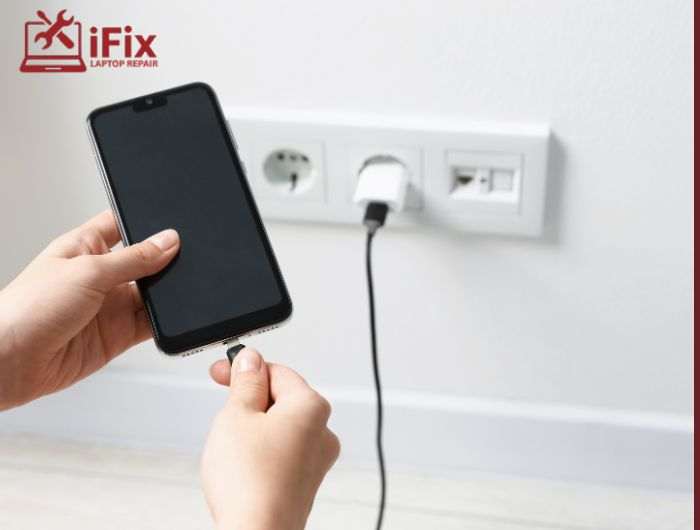




Dealing with a dead battery can be frustrating, especially when you need your phone the most. If you’re searching for a “phone not charging fix”, you’re not alone. From faulty cables to software glitches, several issues can stop your device from charging properly.
The good news is that most problems are easy to diagnose and fix at home. In this guide, you’ll learn the most common reasons behind charging issues and practical solutions to get your phone powered up again.
Why My Phone Won’t Charge: Common Causes
Understanding why my phone won’t charge helps you fix the issue faster. Here are the most common culprits:
1. Faulty Charging Cable or Adapter
Damaged cables or adapters interrupt power flow, preventing your phone from receiving a consistent charging current properly.
2. Dirty or Blocked Charging Port
Dust, lint, or debris inside the charging port blocks connection, leading to intermittent or completely failed charging issues.
3. Software Glitches or Background Apps
System bugs or apps running continuously in the background consume power, reducing charging efficiency and causing battery drain issues.
4. Recent Software Update Issues
New updates may introduce bugs or compatibility issues that interfere with charging performance or battery management systems.
5. Overheating Problems
When your phone overheats, built-in safety features automatically stop charging to prevent internal damage and protect battery health.
Phone Charging Problems Solution: 10 Easy Fixes
Here’s a complete phone charging problems solution you can follow step by step:
1. Check the Power Source
Try a different wall outlet, USB port, or power strip to ensure the issue is not caused by a faulty or inconsistent power source.
2. Inspect Cable and Adapter
Examine your charging cable and adapter for visible damage, and test with a different certified charger to confirm whether accessories are causing the issue.
3. Clean the Charging Port
Use a soft brush or compressed air to gently remove dust, lint, or debris blocking the charging port connection for better contact.
→ Contact Us for Expert Help
Still stuck? Our technicians can diagnose and resolve charging issues quickly. Reach out today for fast and reliable support.
4. Remove Phone Case
Take off bulky or tight phone cases that may prevent the charging cable from properly connecting with the port and ensure stable charging.
5. Close Background Apps
Shut down unnecessary apps running in the background to reduce battery drain, allowing your phone to charge faster and more efficiently without interruptions.
6. Restart Your Phone
Turn off your phone, wait briefly, then restart it to clear temporary system glitches that may be interfering with normal charging functionality.
7. Use Airplane Mode While Charging
Enable airplane mode to disable wireless connections and reduce power usage, helping your device charge faster and more efficiently without background activity.
8. Clear Cache Data
Go to settings and clear cached data to remove corrupted files that might affect system performance and interfere with proper charging behavior.
9. Update or Roll Back Software
Check for new updates to fix bugs, or revert to a previous stable version if charging issues started after a recent update installation.
Professional Phone Repair Services
If basic fixes don’t work, it may be time for expert diagnostics. Our phone repair services handle battery issues, hardware faults, and more with precision.
10. Visit a Professional Technician
If none of the solutions work, consult a technician for proper diagnosis, as hardware issues like battery or port damage may require professional repair.
How iFix Handles Charging Issues
At iFix, we specialize in fast and reliable phone not charging fix services. Our process includes:
- Full device inspection
- Advanced port diagnostics
- Safe charging port repair phone solutions
- Battery health testing
- Same-day repair options
We focus on long-term fixes, not temporary solutions, so your phone stays reliable.
→ Having persistent issues? Our charging port repair phone experts can restore your device quickly. Book your repair today and get your phone charging like new.
Slow Phone Charging Causes You Shouldn’t Ignore
If your phone charges slowly, these could be the reasons:
- Low-quality or incompatible charger
- Background apps consume power
- Dirty charging port
- Battery degradation
- Weak power source
Addressing these slow phone charging causes can significantly improve performance.
Conclusion
Finding the right phone not charging fix doesn’t have to be complicated. Most charging issues are caused by minor problems like dirty ports, faulty cables, or software glitches. By following the steps in this guide, you can quickly identify the issue and restore your device’s charging performance.
If the problem persists, professional repair is the safest option to prevent further damage.
FAQs
- Is charging port repair expensive?
Costs vary by device, but most repairs are affordable and depend on the level of damage.
- Why is my charger connected but not charging?
It could be due to a faulty cable, blocked port, or software issue affecting power flow.
- Can overheating stop my phone from charging?
Yes, phones automatically stop charging when too hot to protect internal components.
- How often should I clean my charging port?
Cleaning every few weeks helps prevent dust buildup and connection issues.
- What is the fastest phone not charging fix?
Start by switching cables and cleaning the port, as these solve most issues quickly.

