
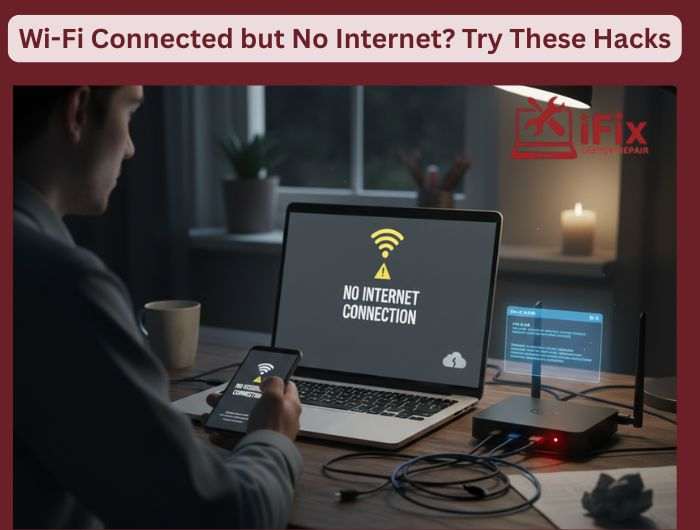
You are connected to Wi-Fi, and the signal looks strong, but nothing loads. No web pages. No apps. Just anger. This is a common problem on the internet, but the good news is that it’s usually easy to fix. These are simple, useful device repair hacks that work more often than people think.
Start With The Router Reset
Take the modem and router out of the wall. Wait a full minute, then plug them back in. This fixes temporary problems, refreshes your IP address, and often gets you back online. A lot of people skip the waiting part, which is important.
Check If It’s Your Device Or The Network
Connect another laptop or phone to the same Wi-Fi network. If nothing works, it’s probably because your router or internet connection isn’t working. The settings on your laptop or phone are probably the problem if other devices work fine.
Turn Off And On Wi-Fi Again
This may seem simple, but it makes your device reconnect to the network correctly. Also, on laptops, try turning on Airplane Mode for 10 seconds and then turning it off.
Reset And Flush Network Settings
Outdated network settings on laptops can keep you from getting online. You can fix this by resetting your network settings or getting a new IP address. It gets rid of old data that might be causing problems, especially after using a VPN or updating computer software.
Modify Your DNS Settings
“Connected but no internet” errors happen a lot when DNS servers are slow or don’t respond. Changing to public DNS, like Google DNS or Cloudflare DNS, can make your connection and browsing speed better right away.
Turn Off Firewalls And VPNs. For A Short Time
Without warning, VPNs, security apps, or firewalls can stop you from getting online. Turn them off for a short time to see if they are the problem. If the internet is working, change their settings before turning them back on.
Check For Updates To Your System
Connection problems can happen when operating systems or network drivers are out of date. A quick update might fix the problem without any extra work.
If none of these fixes work, your internet service provider might be to blame. A quick call can let you know if there is an outage. But most of the time, one of these simple hacks will get you back online quickly.
| 👉 Need Professional Laptop & Computer Repair? If your Wi-Fi issues keep coming back or none of these fixes work, the problem may be deeper than settings or software. Our expert technicians diagnose and repair laptop and computer connectivity issues fast, saving you time and frustration. Call Now To Book Your Laptop & Computer Repair |
