 Skip to content
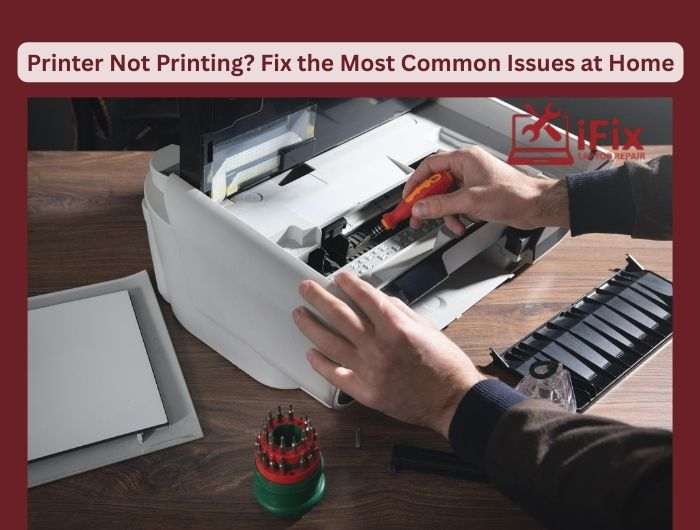
A printer that suddenly refuses to print can be frustrating, especially when you need it urgently. The good news is that most printer problems can be fixed at home without calling an expert technician. Here are practical, no-nonsense fixes you can try right away.
1. Clear Paper Jams Properly
- Turn off the printer and unplug it before checking.
- Remove paper slowly to avoid tearing it inside the rollers.
- Check the rear access panel and tray corners for small scraps.
- Fan the paper stack before reloading to prevent future jams.
2. Fix Printer Showing Offline
- Restart both the printer and your computer.
- Go to printer settings and uncheck “Use Printer Offline.”
- Set your printer as the default device.
- Ensure the USB or network connection is secure.
3. Reset Printer Drivers
- Uninstall the printer from your system settings.
- Restart your computer.
- Download the latest driver from the official manufacturer’s site.
- Reinstall and run a test print.
4. Solve Wi-Fi Connection Drops
- Place the printer closer to the router.
- Restart your router and printer together.
- Reconnect the printer to Wi-Fi using the setup menu.
- Avoid using guest networks for printers.
5. Fix Ink or Toner Not Detected
- Remove and reseat ink cartridges firmly.
- Clean cartridge contacts gently with a dry cloth.
- Check for protective tape left on new cartridges.
- Update printer firmware if ink errors persist.
6. Quick Maintenance Hack
- Run the printer’s built-in cleaning and alignment tools monthly.
- Print at least once a week to prevent ink drying.
| 👉 Still stuck with printer issues? Save time and stress by getting expert help today. Contact our support team now for fast, reliable printer solutions you can trust. Book Printer Repair Service |

