 Skip to content
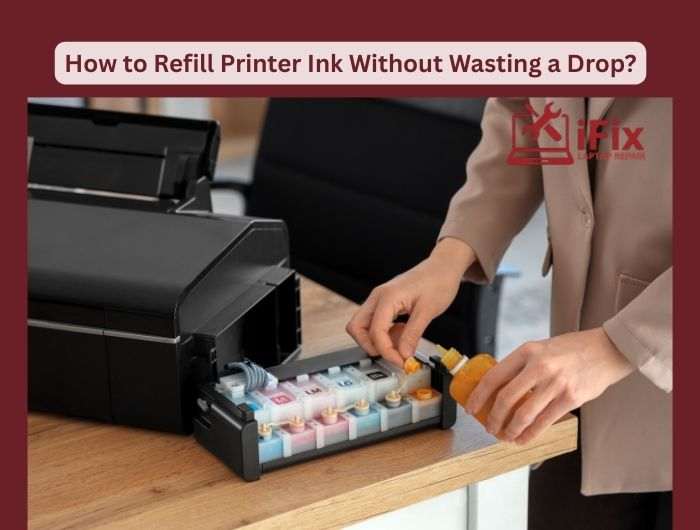
Printer ink can be one of the most expensive parts of home or office printing. Refilling printer ink cartridges yourself is not only cost-effective but also reduces waste and keeps your printer running smoothly. With the right approach, you can refill ink safely, avoid messes, and get consistent print quality every time.
Step-by-Step Ink Refill Hacks
- Check Cartridge Type: Identify whether your cartridge is refillable. Some have sealed caps that need careful opening.
- Use a Syringe: A fine-needle syringe allows precise ink injection. Avoid overfilling to prevent leaks.
- Choose Compatible Ink: Always use ink designed for your printer model. Low-quality ink can clog nozzles and reduce print quality.
- Clean and Store: Wipe cartridge tips with a lint-free cloth. Store leftover ink in a sealed container to prevent drying.
Printer Ink Refill Tips to Avoid Waste
- Always check if your cartridge model is refillable before starting.
- Use a fine-needle syringe for accurate ink filling and better control.
- Inject ink slowly to allow the sponge inside the cartridge to absorb it properly.
- Never overfill the cartridge, as this can cause leaks and printing issues.
- Use high-quality, compatible ink designed for your specific printer model.
- Clean the cartridge nozzles gently with a lint-free cloth after refilling.
- Run a printer cleaning cycle once the cartridge is reinstalled.
- Store leftover ink tightly sealed to prevent it from drying out.
- Keep gloves and paper towels nearby to avoid stains and spills.
| Save money, prevent waste, and enjoy crisp, professional prints. Grab your refill kit now. Refill your Printer Ink Cartridge Today |

