 Skip to content
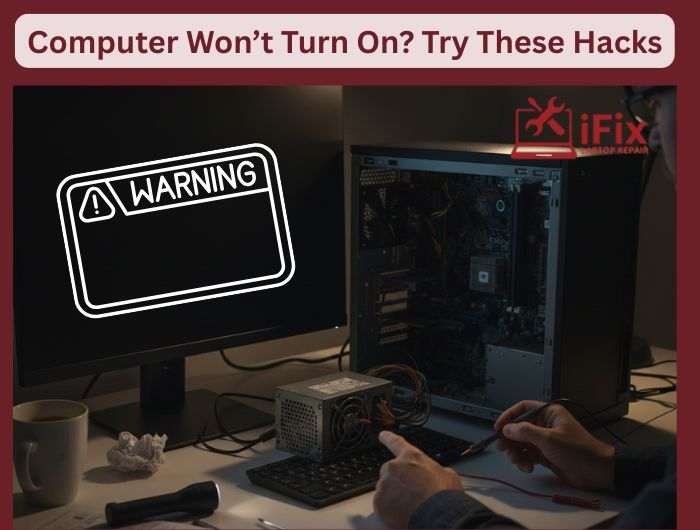
When your computer screen stays black, your heart usually sinks. However, most startup failures stem from minor glitches rather than fried hardware. According to industry repair data, nearly 30% of “dead” PCs suffer from simple power delivery issues. Run these high-impact hacks to revive your machine before spending money on a computer repair shop.
Hack #1: Check the Power First
Most startup problems start with power.
- Make sure the wall socket works. Test it with another device
- Check the power cable for loose connections or visible damage
- For desktops, confirm the rear power switch is turned on
- For laptops, unplug the charger and reconnect it firmly
A loose cable alone causes thousands of “won’t turn on” cases every year.
Hack #2: Confirm It’s Not a Screen Issue
Sometimes the computer is running, but the screen stays black.
- Listen for fan noise or hard drive sounds
- Look for keyboard lights or power indicators
- Reseat HDMI, VGA, or DisplayPort cables
- Connect the computer to another monitor or TV
If the second screen works, the issue is the display, not the system.
Hack #3: Pay Attention to Beeps and Lights
Your computer often gives clues.
- Repeated beeps often point to RAM or internal hardware
- Flashing power lights may signal battery or board problems
- No sound at all usually means a power delivery issue
These signals help narrow down the problem fast.
Hack #4: Try a Safe Power Reset
Power resets a clear stuck electrical charge.
- Unplug the charger or power cable.
- Remove the battery if it’s removable.
- Hold the power button for 15–20 seconds.
- Reconnect the power and try again.
This step fixes many startup failures without tools.
Hack #5: Know When to Stop
Some signs mean stop testing.
- Burning smell
- Clicking or popping sounds
- No response after all checks
Forcing power can cause more damage. At that point, professional help is the safe move.
Run these checks calmly. Many “dead” computers are not dead at all.
| Still Not Turning On? If your computer won’t power on after these checks, it’s best to stop and get professional help. Internal damage and data loss can happen if the issue is forced. For fast, reliable computer and laptop repair in Las Vegas, expert diagnosis can save you time, money, and stress. Book a Free Diagnostic |

