 Skip to content
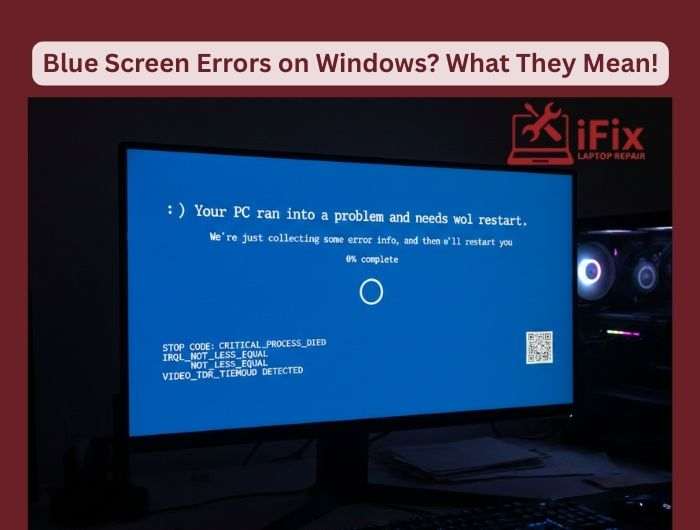
If your Windows PC suddenly shows a blue screen, it can be alarming. But understanding the reasons behind it can help you fix the problem safely. Blue screen errors, also called BSODs (Blue Screen of Death), usually happen when your computer encounters a serious issue it cannot recover from on its own and may require professional computer repair services to diagnose and resolve properly.
Common Reasons Windows Shows a Blue Screen
- Memory Issues: Faulty RAM or insufficient memory can cause crashes. Running a memory diagnostic tool helps identify the problem.
- Driver Conflicts: Outdated or incompatible drivers for hardware like graphics cards or printers often trigger BSODs. Keeping drivers updated prevents these conflicts.
- Hardware Failures: Problems with your hard drive, motherboard, or other components can suddenly stop Windows. Running hardware tests can pinpoint the faulty part.
- Software Bugs: Sometimes apps or Windows updates have bugs that cause system instability. Uninstalling or updating problematic software often resolves the error.
Safe Fixes You Can Try At Home
- Restart your computer in Safe Mode to troubleshoot without interference from other programs.
- Run Windows Memory Diagnostic and CHKDSK to check memory and disk health.
- Update all drivers and Windows to the latest version.
- Remove any recently installed hardware or software that might have triggered the crash.
- Create regular backups to prevent data loss if errors persist.
Understanding these simple causes and fixes can save time and prevent frustration. Regular maintenance, driver updates, and hardware checks keep your PC stable and reduce the chance of future blue screens.
| If blue screen errors keep happening, don’t risk your data. Call us now to connect with our expert Windows repair team and get fast, reliable troubleshooting support today. Call us now |

