
When a laptop suddenly stops working, most people assume their files are gone forever. In reality, dead laptop data recovery is often possible even when the device shows no signs of life. This is because in most cases, the data is stored on a separate drive that remains intact even if the motherboard, battery, or power system has failed. With the right approach, files can be safely extracted without further damage.
According to industry insights from Statista (2024), global data creation is expected to exceed 180 zettabytes by 2025, which also increases the importance of reliable recovery methods when devices fail unexpectedly. This makes understanding recovery processes more important than ever.
Why Laptops Stop Working Suddenly – Common Reasons
Laptops can fail for several reasons, and understanding the cause helps determine recovery success.
Common hardware issues
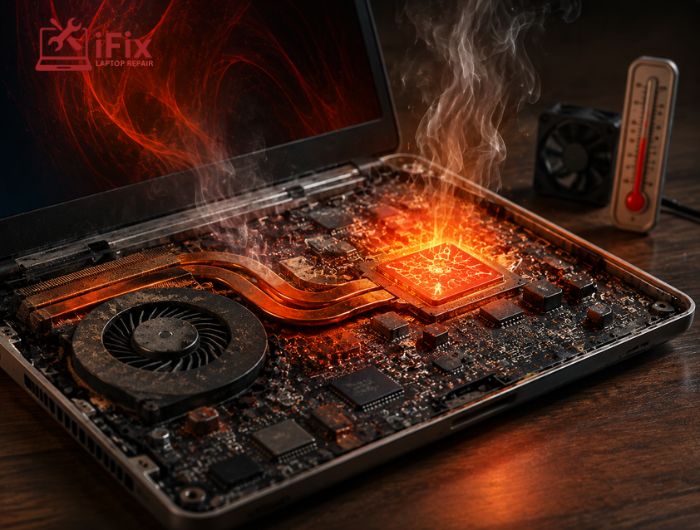
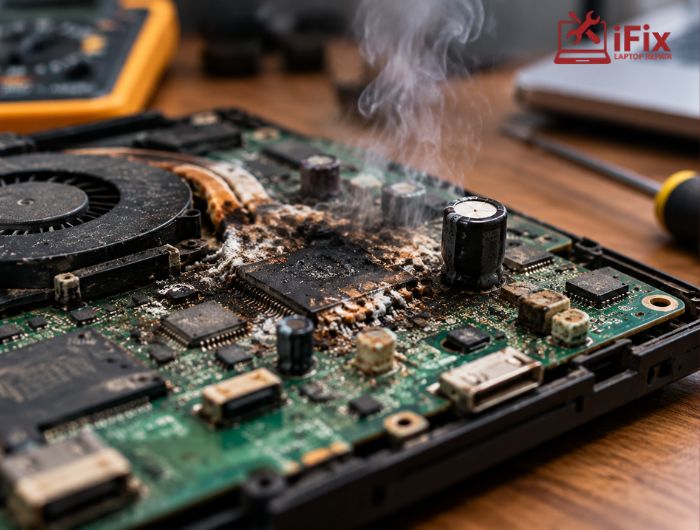
- Motherboard failure due to overheating or electrical damage
- Faulty charging circuits or power IC failure
- Battery swelling or complete power loss
Storage-related failures
- HDD mechanical damage
- SSD controller malfunction
- File system corruption after a sudden shutdown
External damage factors
- Liquid spills
- Physical drops
- Power surges
In many cases, the storage device remains unaffected even if the laptop itself is completely unresponsive.
→ Laptop Not Working? We Can Help
From startup failures to data loss, most laptop issues have a fix if handled early. Get expert support and protect your files before it’s too late.
Can Data Still Be Recovered?
A common concern users have is: Can data be recovered from a dead laptop? The answer is usually yes, depending on the condition of the storage drive. If the hard drive or SSD is not physically destroyed, recovery is highly possible.
Even when a system cannot boot, professionals often extract the drive and access data externally using specialized tools.
How Professional Recovery Actually Works
Professional labs follow a structured process designed to protect data integrity.
Step 1: Diagnosis
Technicians first inspect whether the issue is power-related or storage-related.
Step 2: Drive removal
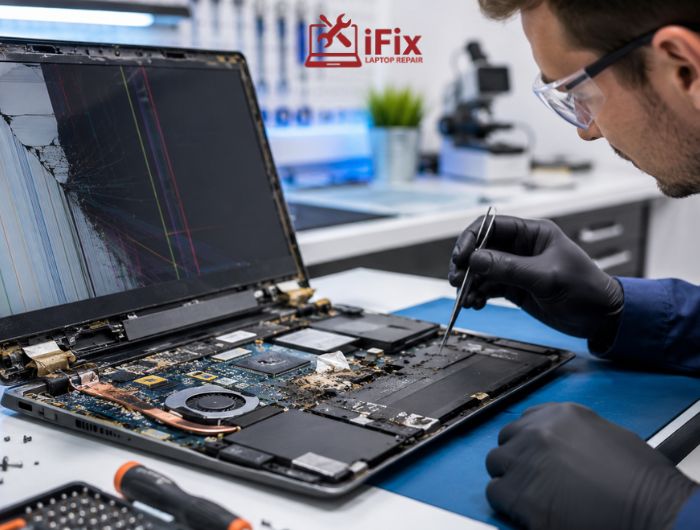
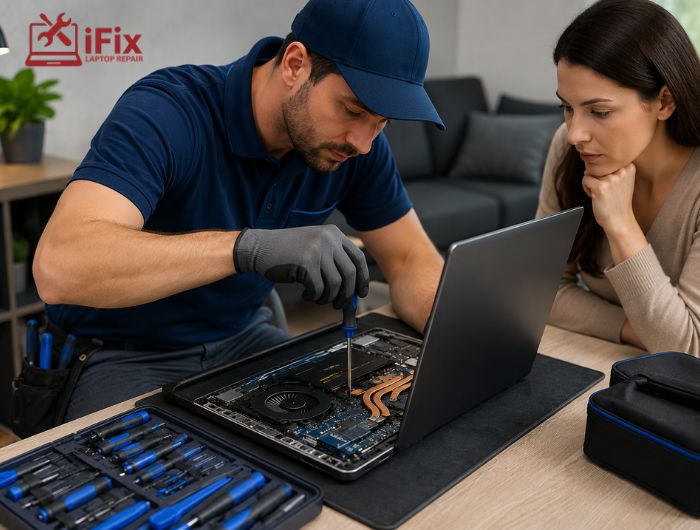
The storage device is carefully removed from the laptop without causing additional damage.
Step 3: External connection
The drive is connected to a recovery workstation using forensic-grade hardware.
Step 4: Imaging
A complete sector-by-sector copy is created before any recovery begins.
Step 5: File extraction
Data is retrieved from the cloned image instead of the original drive.
A key method used in professional Las Vegas data recovery cases for dead laptops is creating a clone first, which helps prevent permanent data loss during the process. This approach is commonly used by experts offering data recovery Las Vegas services to safely recover files from damaged or non-booting devices.
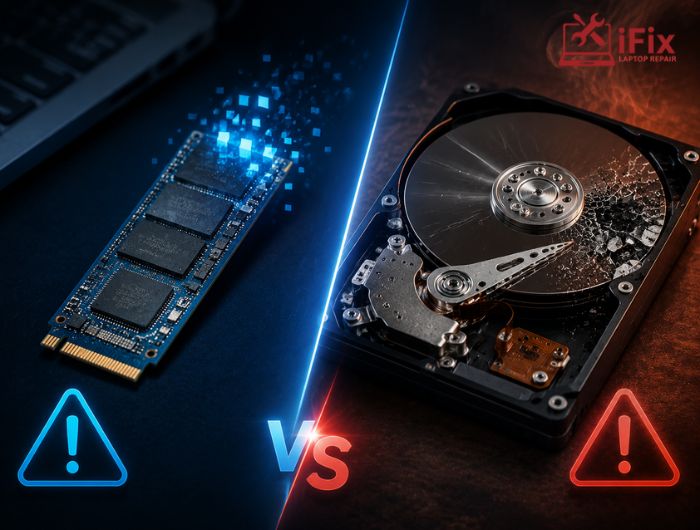
HDD vs SSD Recovery Differences
Feature | HDD Recovery | SSD Recovery |
Failure type | Mechanical or logical | Electronic or controller-based |
Recovery difficulty | Moderate | High |
Risk level | Physical wear | TRIM and encryption issues |
Success rate | Higher in most cases | Depends on damage type |
Modern SSDs are faster but often harder to recover due to built-in data management technologies like TRIM.
👉 Hard Drive Problems? Don’t Risk Your Data
Clicking sounds, slow access, or a drive not showing up can be early signs of failure. Get professional hard drive repair before your files become unrecoverable.
DIY Recovery Attempts: What Works and What Doesn’t
Many users try to fix the issue at home, but results vary.
Some safe methods include:
- Removing the drive and connecting it to another PC
- Using basic recovery software if the drive is detected
- Checking BIOS detection for storage visibility
However, DIY attempts can become risky if the drive is physically damaged or repeatedly powered on after failure.
A common search users make is how to recover data from a broken laptop, but without proper tools, the results are often limited.
Risks of Trying to Fix It Yourself
- Permanent overwriting of data
- Physical damage to the storage drive
- Reduced chances of professional recovery success
- File corruption due to incorrect software use
If the data is valuable, it is always safer to stop using the device immediately.
When You Should Contact a Professional
You should seek expert help if:
- The laptop shows no power at all
- The drive is not detected externally
- There is visible physical damage
- Data is business-critical or irreplaceable
At this stage, services like hard drive recovery from a dead laptop become necessary because specialized tools and cleanroom environments are required.
Why Dead Laptops Are Not Always “Dead” for Data
Even when a device is completely unresponsive, storage devices are often still functional. This is why dead laptop data recovery remains one of the most successful types of data restoration cases in the industry.
According to Gartner research, nearly 40% of data loss cases are caused by hardware failure, but a large portion of these cases are recoverable when addressed quickly.
Real-World Recovery Scenarios
Here are some common situations professionals handle:
- The laptop does not turn on, but the drive works normally
- System stuck in boot loop with accessible storage
- Water-damaged laptops with intact SSD chips
- Accidentally formatted drives after failure
In many of these cases, users initially believe files are gone permanently.
→ Get Expert Help Before Data Is Lost
If your laptop has stopped working, avoid repeated restart attempts. Early action improves recovery success rates significantly.
Why SSD Data Recovery is More Complex Than HDD Recovery
SSD failures are more complex compared to traditional hard drives because of how modern SSDs manage and protect data internally. Recovery often requires specialized tools and deep technical access that go beyond standard software solutions.
Key challenges in SSD data recovery:
- Built-in encryption layers: Many SSDs encrypt data automatically, making raw extraction difficult without the original controller access.
- TRIM command behavior: When files are deleted, TRIM can permanently erase data blocks, reducing recovery chances.
- Controller failure issues: If the SSD controller is damaged, the drive may not be detectable at all.
- NAND chip complexity: Data is distributed across multiple memory chips, requiring advanced reconstruction methods.
- Limited software recovery options: Standard recovery tools often fail because they cannot bypass firmware-level restrictions.
Because of these factors, SSD data recovery from damaged laptop situations usually requires professional tools, cleanroom environments, or chip-level techniques rather than simple DIY methods.
What Happens During Advanced Recovery Cases
For severely damaged devices, technicians may:
- Repair circuit-level damage
- Replace faulty components temporarily for access
- Use cleanroom environments for HDD opening
- Extract raw NAND data from SSD chips
These steps ensure maximum possible data recovery without further damage.
How to Prevent Future Data Loss
Experts recommend simple but effective habits:
- Use cloud backups for important files
- Maintain external backup drives
- Avoid overheating by cleaning vents regularly
- Use surge protectors for charging safety
Statista reports that over 60% of users who lose critical data never had a proper backup in place, highlighting the importance of prevention.
Final Thoughts
Data loss from a dead laptop can feel permanent, but in most cases, it is not. With structured methods and proper handling, files can often be recovered safely. The key is to avoid unnecessary attempts and act quickly, especially when seeking professional hard drive recovery Las Vegas services for damaged or non-responsive devices.
Modern recovery techniques continue to improve, making it possible to restore important data even from severely damaged systems through advanced hard drive recovery Las Vegas solutions.
FAQs
- Can dead laptop data recovery work if the motherboard is burned?
Yes, data recovery is still possible if the storage drive remains physically intact and is not affected by heat or electrical damage from the motherboard failure. In most cases, only the laptop’s main board is damaged, not the data storage.
- Is SSD data harder to recover than HDD data?
Yes, SSD data recovery is generally more complex because of TRIM functionality, built-in encryption, and advanced data distribution across memory chips. These factors make it harder for standard recovery tools to retrieve lost or deleted data.
- Can data be recovered if the laptop was exposed to water?
Yes, data can often still be recovered from water-damaged laptops if corrosion has not reached or destroyed the storage chip. Quick professional intervention increases the chances of successful recovery before further internal damage occurs.
- How soon should I attempt recovery after a laptop failure?
You should attempt recovery immediately after failure is noticed, because continued usage or repeated restart attempts can worsen damage. Early action helps prevent overwriting and corruption, and reduces the risk of permanent data loss.
- Does removing the hard drive erase the data?
No, removing the hard drive does not erase any data because files are physically stored on the drive itself. The data remains intact unless the drive is physically damaged or overwritten during improper handling.
