
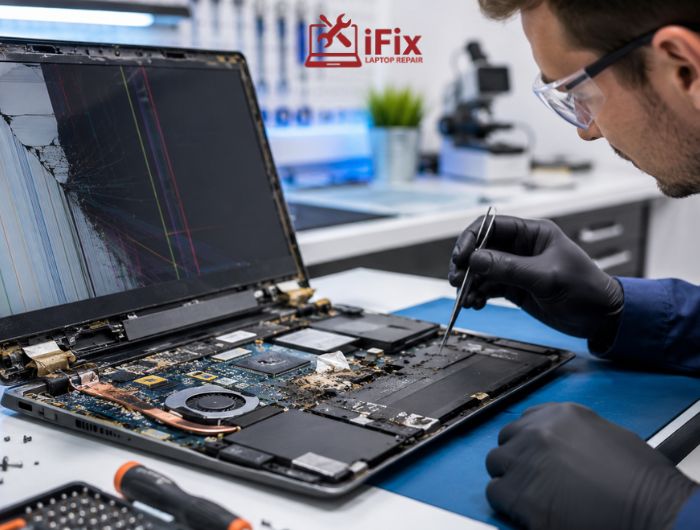
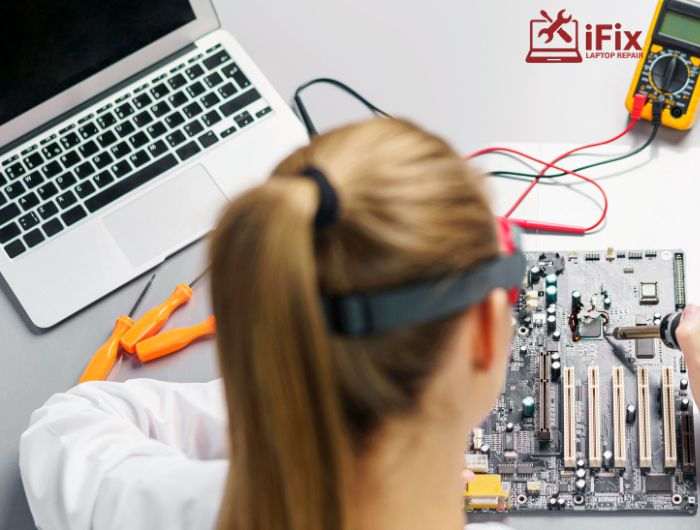
When a MacBook starts failing, the logic board is often the main concern. Since it controls nearly every function, even a small fault can make the device unusable. The big question most users face is simple: Is MacBook logic board repair actually possible, or is replacement the only option? The answer depends on the type and extent of damage, but repair is more common than many people think.
Not sure what’s wrong with your MacBook? Book a free diagnostic and get a clear repair report.
What Does a MacBook Logic Board Do?
The logic board connects the processor, memory, storage, and power system, acting as the MacBook’s core control unit. If it fails, the entire device stops working since all major functions depend on it.
- MacBook logic boards integrate the CPU, memory, storage controller, and power management system into a single unit, meaning multiple core system functions depend on it.
7 Common Signs That Your MacBook Logic Board Is Failing
- MacBook not turning on at all
- Random shutdowns even during light use
- The screen stays black, but the device is powered on
- Distorted graphics or display glitches
- Keyboard or trackpad not responding properly
- Ports (USB, charging, etc.) stop working
- Overheating without heavy usage
→ If your MacBook is showing signs of failure, don’t delay repair. Get expert MacBook logic board repair today before damage spreads.
What Causes MacBook Logic Board Damage?
- liquid damage to the logic board from spills or humidity exposure
- Power surges or use of faulty chargers
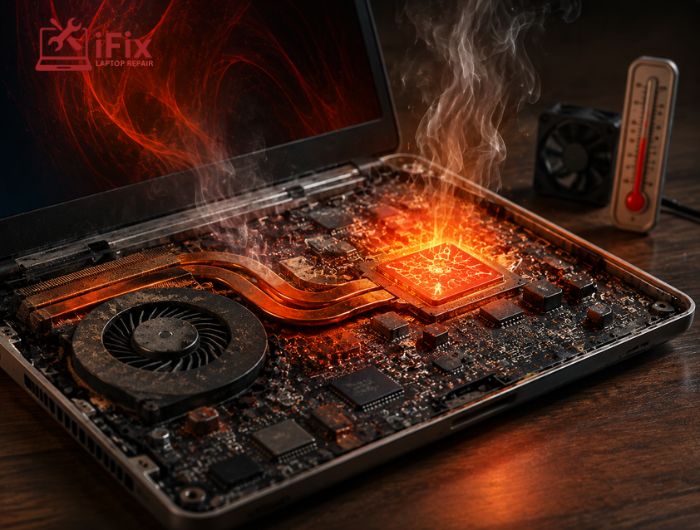
- Overheating due to blocked vents or dust buildup
- Physical damage from drops or pressure
- Short circuits caused by internal component failure
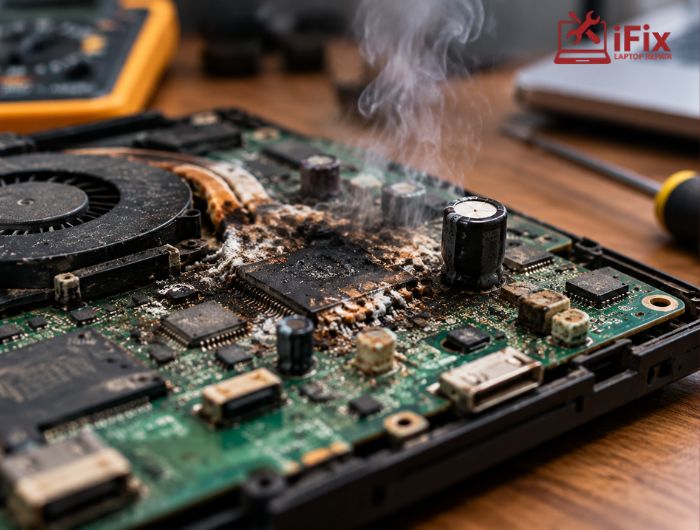
- Corrosion develops over time after liquid exposure
- Manufacturing defects or aging components
- Improper repairs or low-quality replacement parts
Can a MacBook Logic Board Be Repaired?
The short answer is yes. MacBook logic board repair is often possible, especially when the damage is limited and identified early.
Repair usually works well in these cases:
- Small component failures, like resistors or capacitors
- Power circuit issues affecting charging or startup
- Early-stage liquid exposure with minimal corrosion
- Faulty chips fixable through micro soldering MacBook repair
💭 According to IEEE research publications, modern board-level repair techniques can restore functionality in complex multilayer electronic systems using micro soldering methods.
However, repair becomes less practical when:
- There is severe internal burning or layered circuit damage
- Corrosion has spread across the board
- The board is physically cracked
- Multiple components have failed together
Modern MacBook board-level repair focuses on fixing specific faults instead of replacing the entire board, which is why success rates are higher today.
Need quick help with your MacBook issue? Reach out to our team for fast support and honest guidance.
What Determines Repair Success
Not every case is the same. The outcome of MacBook logic board repair depends on:
- How extensive the damage is
- The specific MacBook model
- Availability of replacement components
- The skill level of a professional MacBook repair service
Why Repair Is Often the Better Option
In many situations, MacBook logic board repair makes more sense than replacement because:
- Your existing data stays intact
- It is often more cost-effective than a full Apple logic board replacement
- Minor issues can be resolved faster
How to Repair a MacBook Logic Board at Home
While complex repairs need experts, a few basic steps can help in minor cases of MacBook logic board repair.
1. Disconnect Power and Inspect the Board
Shut down the MacBook, unplug it, and carefully open the back panel. Check the logic board for visible corrosion, burns, or loose parts before attempting any cleaning or adjustments.
2. Clean Minor Liquid Damage
If there is light residue from spills, gently clean the area using isopropyl alcohol and a soft brush. This helps remove corrosion and may restore minor electrical connections safely.
3. Reset Power-Related Issues
Disconnect the battery and hold the power button for several seconds. This releases stored charge and can resolve minor power faults without deeper intervention.
4. Check and Reseat Connectors
Loose connectors can mimic serious faults. Carefully disconnect and reconnect visible cables to ensure proper contact and restore normal function.
5. Attempt Basic Component Fixes
If you have technical experience, small part replacement is possible. However, advanced work like chip repair requires precision and proper tools, so caution is necessary.
6. Test Before Closing the Device
Reconnect essential components and power on the MacBook before reassembling it completely. This confirms whether the issue is resolved and avoids repeating the process.
Still facing the issue? Reach out to us. We specialize in advanced MacBook logic board repair with proven results. Get your device checked by experts today.
Repair vs Replacement: What Makes Sense?
Factor | Repair | Replacement |
Cost | Lower, depending on the issue | Higher overall |
Data | Usually remains intact | Often lost |
Time | Faster for smaller issues | Takes longer |
Approach | Targeted component fixing | Full board replacement |
Best Choice | Partial damage | Severe failure |
Why Choose iFixLaptopRepair for MacBook Logic Board Issues?
At iFixLaptopRepair, we specialize in reliable and professional MacBook logic board repair services backed by decades of hands-on experience. Our focus is on delivering quality repairs with long-term performance and customer satisfaction.
- 20 years of MacBook repair experience
- Highly skilled certified repair technicians
- Consistently high success rate in repairs
- Affordable MacBook motherboard repair cost solutions
- OEM quality parts used for replacements
- 90-day warranty on all repairs
- Guaranteed quality workmanship on every repair
→ Prefer instant assistance over messages? Speak directly with a technician for quick troubleshooting help.
Call Now 702-886-1446
Conclusion
MacBook logic board repair is not only possible but often the smarter path when the issue is diagnosed early. With the right approach and timely action, many logic board problems can be fixed without going for a full replacement.
FAQs
- How long does a MacBook logic board repair usually take?
Most repairs take a few hours to a couple of days, depending on the complexity of the issue and the availability of required components.
- Can a repaired logic board fail again later?
Yes, especially if the root cause, like overheating or power issues, isn’t addressed. A properly repaired board, however, can work reliably for years.
- Will repairing the logic board improve performance?
Repair restores normal function but doesn’t upgrade performance. If the MacBook was slow before, the repair won’t make it faster than it was before.
- Is data recovery possible if the logic board is completely dead?
In many cases, yes. Specialists can often recover data directly from storage components even if the logic board is beyond repair.
- Does warranty cover logic board repair or replacement?
If your MacBook is under warranty or covered by an extended plan, Apple may replace the board, but accidental damage, such as liquid exposure, is usually not covered.
