

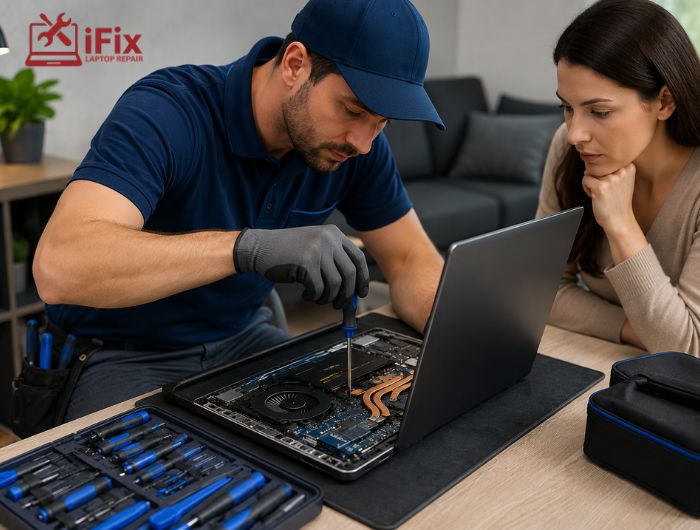

Are you unsure whether to repair your MacBook or just get a new one? It can be confusing with all the costs, performance issues, and choices involved. Using professional MacBook repair services can help you make the right decision and save time, money, and hassle.
This guide will show you what to consider, including repair costs, device age, performance needs, and even environmental impact, so you can confidently choose the best option for your MacBook in 2026.
Assess the Issue First
The first step is identifying the problem. Is your MacBook’s battery not charging properly? Is it slower than usual? Or does it have physical damage like a cracked screen? Knowing the exact issue will help you decide between repair and replacement.
Common MacBook Problems | Repair Feasibility | Notes |
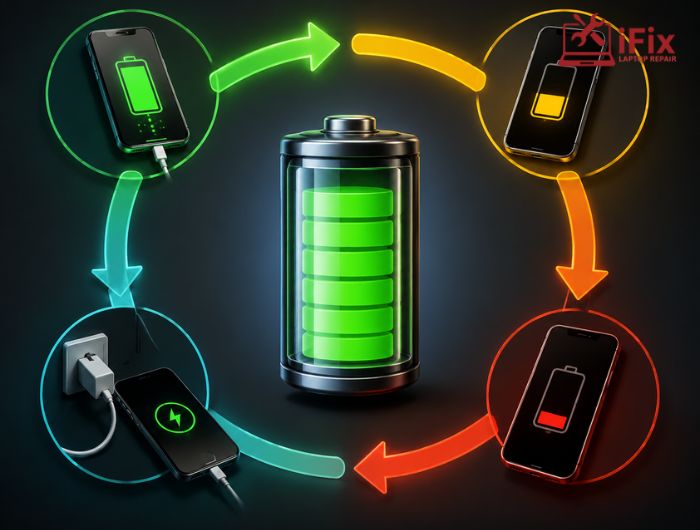
Battery not charging | ✅ Yes | MacBook battery replacement Las Vegas is often affordable. |
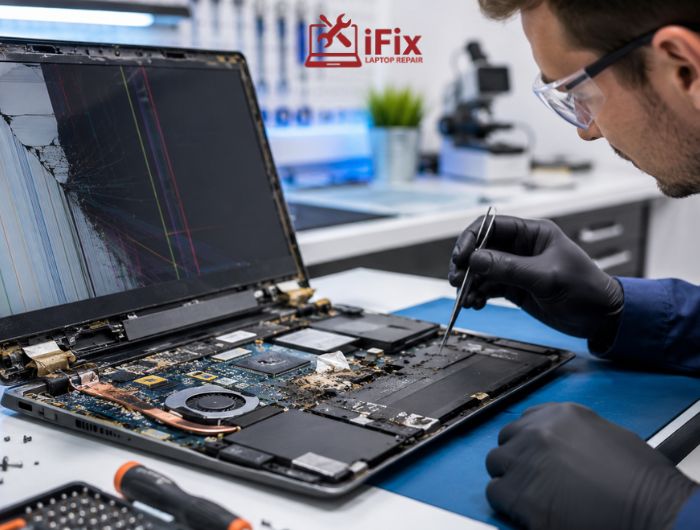
Cracked screen | ✅ Yes | Screen repairs are cheaper than a full replacement. |
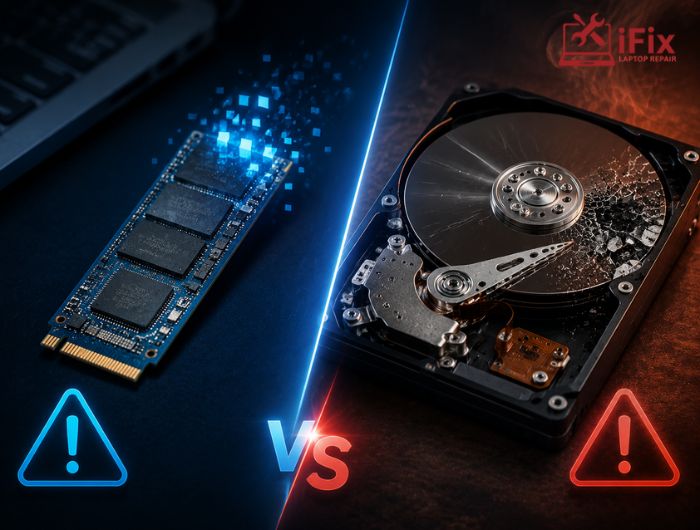
Slow performance | ⚠️ Depends | Sometimes upgrading RAM or SSD can help. |
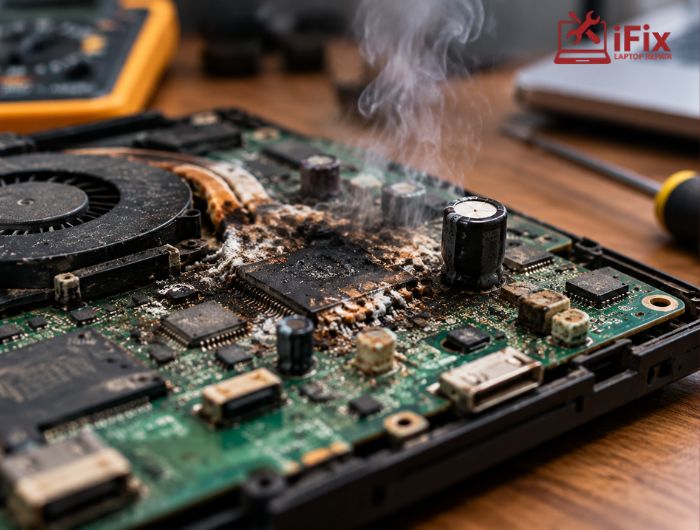
Logic board failure | ❌ Expensive | Costs may exceed a new device. |
Minor repairs like battery replacement or storage upgrades are cost-effective and can extend your MacBook’s life. But major hardware failures may make replacement the more practical choice.
Consider the Age of Your MacBook
The age of your MacBook plays a major role in your decision. Apple typically supports macOS updates for 7–8 years. Older models may no longer receive updates, which can create security risks and limit app compatibility.
If your MacBook is recent and still eligible for updates, repairs may be a more economical way to extend its life. Apple hardware is reliable, so fixing your device could give you several more years of smooth performance.
Environmental Considerations
Repairing your MacBook instead of replacing it is also an environmentally friendly choice. E-waste is a growing concern, and keeping your MacBook functional reduces its environmental impact. Many repairs use refurbished or recycled components, making MacBook repair services a green option.
Performance Needs
Think about what you use your MacBook for. Heavy tasks like video editing, software development, or gaming may benefit from a newer model with better performance, battery life, and features.
For lighter tasks such as web browsing, simple editing, or media playback, repairs are usually sufficient.
Repair vs Replace: Pros and Cons
Option | Advantages | Disadvantages |
Repair | – Economical for minor issues – Extends device lifespan – Environmentally friendly | – Temporary solution – Aged devices may develop new faults – Major repairs can be costly |
Replace | – Better performance and features – Warranty coverage – Long-term investment | – High initial cost – Environmental impact – Learning curve for new features |
Repair Vs Replace MacBook Cost Comparison
Repair Type | Average Cost in Las Vegas | Notes |
Battery Replacement | $129–$199 | Quick and affordable |
Screen Repair | $299–$499 | Depends on the model |
Logic Board Repair | $500–$800+ | May exceed replacement cost |
This MacBook cost comparison helps you decide the most economical option.
Why Choose iFix for MacBook Repair Services
With over 20 years of experience, iFix is the trusted MacBook repair shop Las Vegas, delivering fast, reliable solutions.
- 20+ Years of Expert Services – Genuine OEM and certified Apple replacement parts guaranteed.
- 90-Day Warranty Support – All repairs and parts are covered with reliable warranty support.
- FREE Diagnostics & Consultations – Visit for free inspection and professional repair advice today.
- Certified A+ Technicians – Experts with Apple, Microsoft, and A+ certifications for precise repairs.
- Quick, Same-Day Repairs – Most MacBook repairs, including MacBook screen repair Las Vegas, are finished fast.
- Affordable Service Prices – Transparent quotes, no hidden fees, and free repair consultation.
- Wide Variety of MacBook Issues Fixed – Batteries, keyboards, screens, logic boards, and more repaired.
FAQs
Q1: Is it worth repairing a MacBook in 2026?
Yes, if the device is relatively recent and the repair cost is reasonable. Minor repairs like battery or screen replacement are usually worth it.
Q2: How long does MacBook repair take?
Typical repairs, such as battery replacement or screen repair, take 1–3 business days. More complex repairs may require up to a week.
Q3: When should you replace your MacBook?
Replace if your MacBook is over 7–8 years old, no longer supports updates, or if repair costs approach the price of a new device.
Q4: Where can I find affordable MacBook repair near me?
Trusted repair shops like iFixLaptopRepair provide MacBook repair Las Vegas services at competitive rates.
Conclusion
Deciding whether to repair or replace your MacBook depends on several factors, including the specific issue and repair cost, the age of your device, your performance needs, and the environmental impact. If you’re still unsure, consulting a professional MacBook repair services provider can help.
Our expert technicians can perform a full inspection and guide you on whether repair or replacement is the better option. Get in touch with us today to schedule your MacBook repair.
